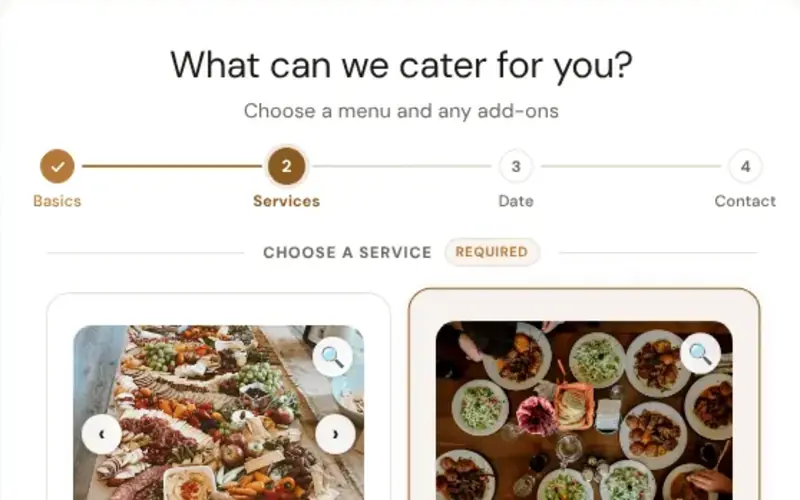
Capture qualified inquiries
Website submissions, imports, and manually entered leads land in one pipeline. The embeddable InstaQuote form collects event details before your team follows up.
See the catering inquiry formFor caterers
Crema is an event CRM best suited to caterers and event businesses that quote and staff their own events. Leads, quotes, follow-ups, deposits, and staffing live in one place.
The short answer
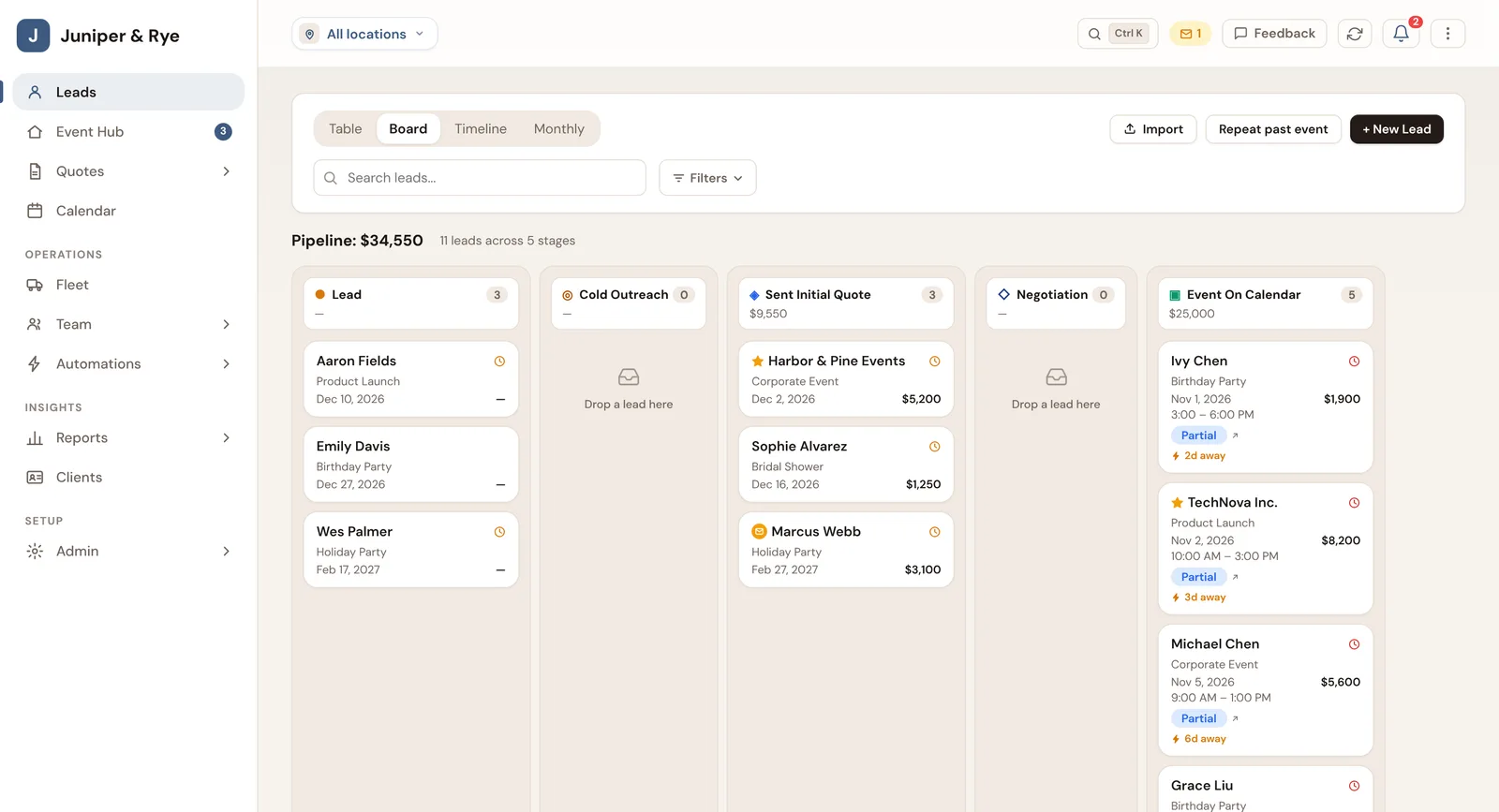
For a caterer, a CRM has to connect customer management with the work behind each booking. Instead of copying an event between an inbox, spreadsheet, calendar, quote, and crew message, Crema keeps the customer record, pricing, status, schedule, and delivery details together.
Built for event work
Information collected during sales stays useful after the client books.
Website submissions, imports, and manually entered leads land in one pipeline. The embeddable InstaQuote form collects event details before your team follows up.
See the catering inquiry form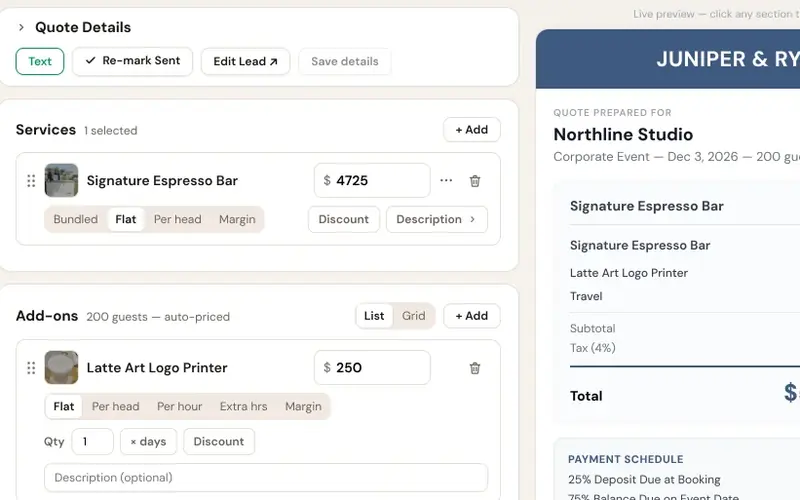
Price from a reusable catalog of services and add-ons using flat, per-guest, per-hour, and configurable fee structures.
Explore catering proposal software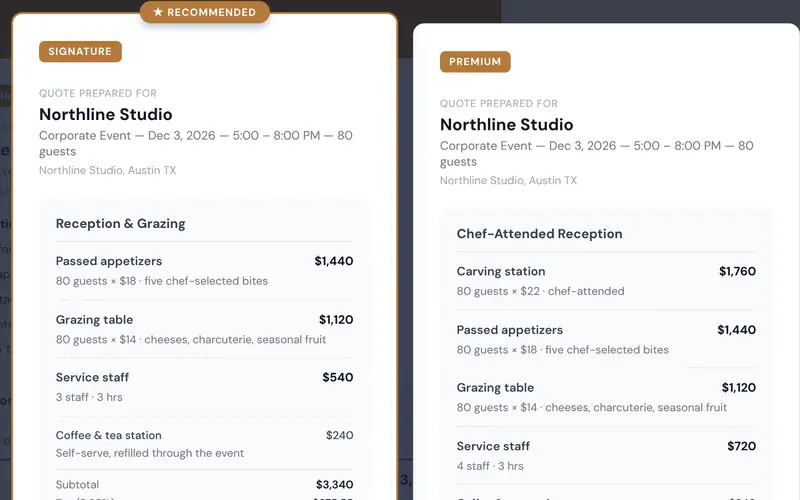
Send visual, mobile-friendly quote options with item details, photos, and a straightforward path to accept. Quote views and client messages stay attached to the opportunity.
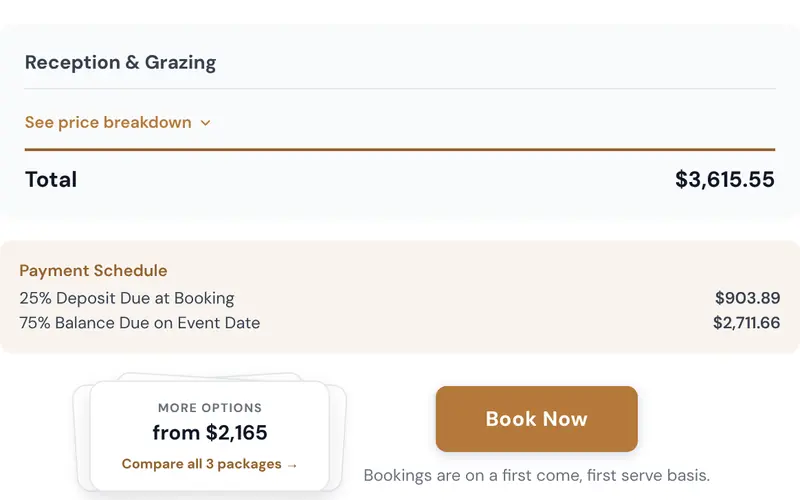
When Square is connected, accepted bookings can collect deposits and support tipping without separating the payment step from the event record.
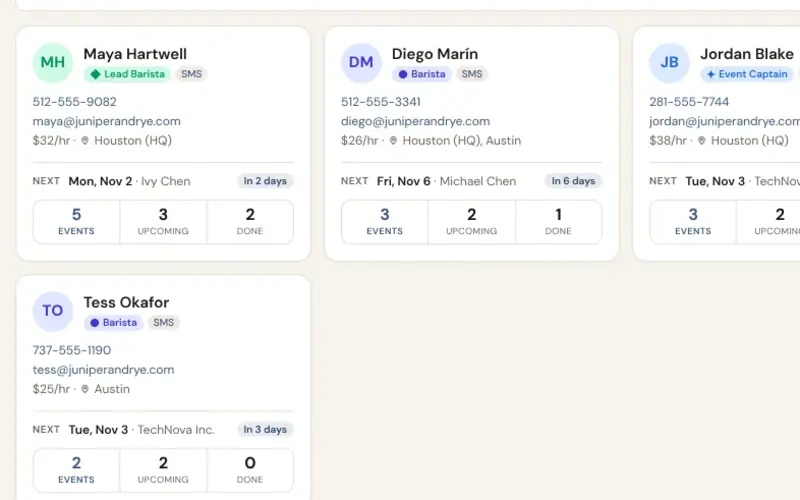
Keep confirmed events on the calendar, collect staff availability, assign the right people, and preserve multi-day event details in the same workflow.
See event staff scheduling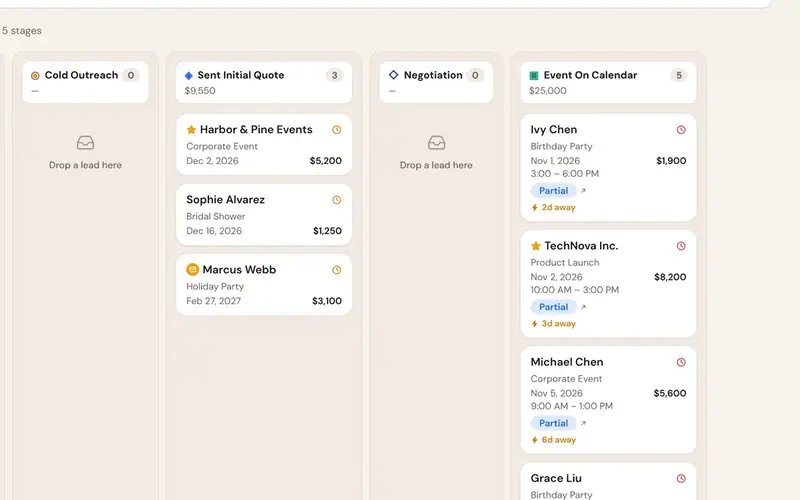
Track what is new, quoted, viewed, booked, or stalled. Shared customer history and analytics help teams understand repeat clients and the work moving toward revenue.
A repeatable process
An illustrative example: an office manager requests a three-hour reception for 80 guests.
Your website form collects the reception date, venue, 80-person guest count, service interests, and the office manager’s contact details in one lead record.
Build an offer from your service catalog, add three hours of service and any travel or staffing fees, and send alternative packages if the client wants options.
The client reviews the proposal and accepts an option. If you connect Square and enable checkout, they can pay the required deposit as part of booking.
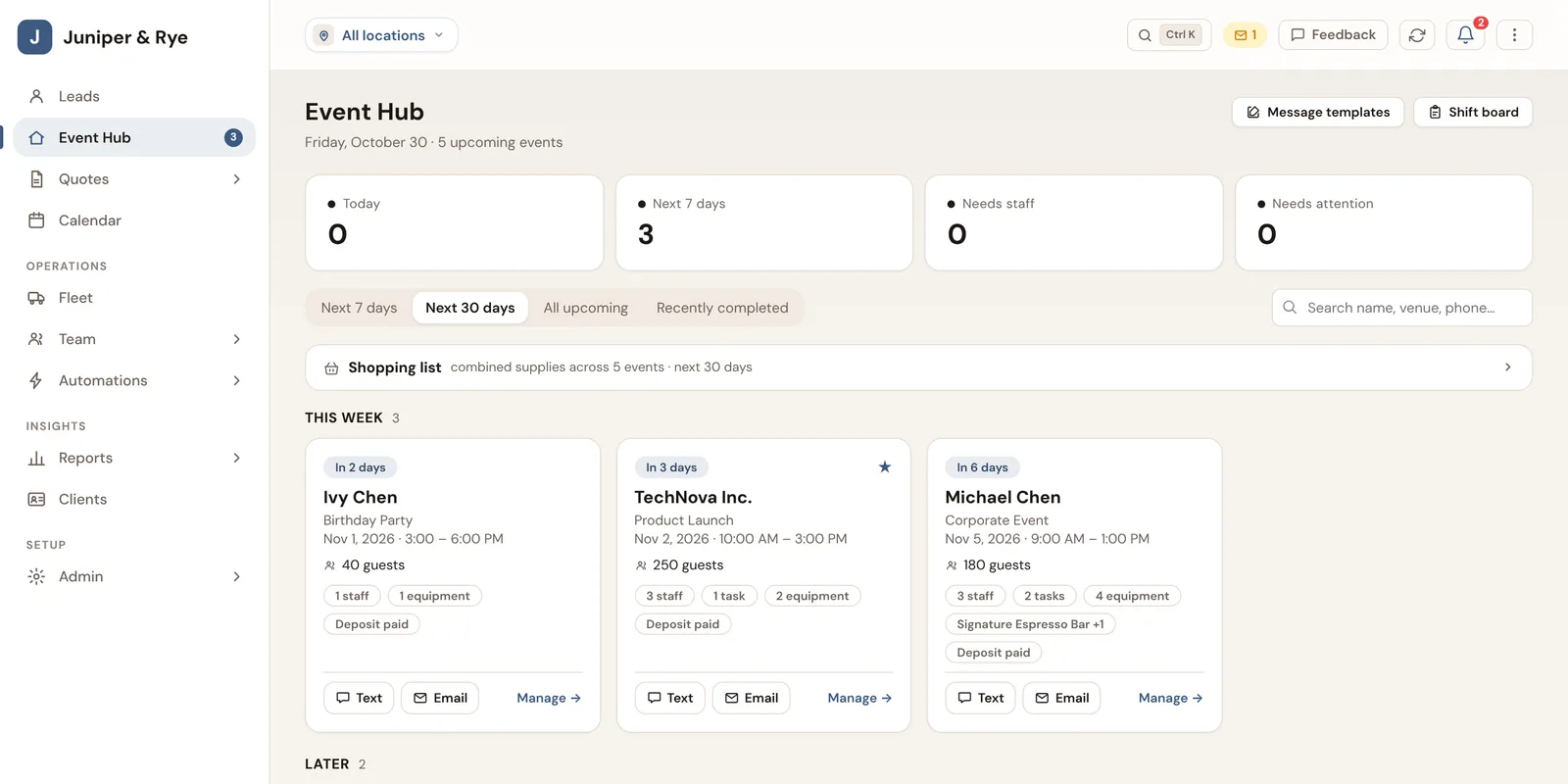
Assign the available crew and keep venue notes, timing, tasks, and the accepted services with the event. The next inquiry starts with the client’s past-event history.
Straight answers
A catering CRM manages customer relationships and the event-booking process: inquiries, quotes, follow-ups, bookings, payments, schedules, and client history in one connected system.
A general CRM can track contacts and deals, but may need additional configuration or tools for event work. Crema connects event dates, guest counts, service options, quote versions, deposits, staffing, and delivery details with the customer record.
Yes. Configure services and add-ons with flat, per-guest, per-hour, and other fee structures, then reuse that catalog in every quote. You set the pricing rules.
No. Crema connects the customer and event workflow. Square and QuickBooks can remain the payment and accounting systems when those integrations are configured.
Yes. A solo operator can use the same lead, quote, calendar, and client workflow, then add staff and locations as the business grows.
No. Crema is not an online food-ordering checkout. It runs the event side of catering: inquiries, quotes and revisions, bookings and deposits, calendars, and staff.
Yes. The Clients page rolls each client’s events into one record and groups contacts who share a corporate email domain into a company account. Rebooking creates a new event from a past one and can bring its quotes along, re-priced at today’s catalog rates.
Each published quote shows whether it was sent, viewed, or accepted, and clients can ask questions in a chat on the quote. Views, messages, and acceptances also appear in the notification center, so you can see who is engaging.
Yes. Import leads from a CSV file or a shared Google Sheet, map your columns, and review the rows before importing. The Google Sheets import is a one-time pull, not a continuous sync. You can also enter individual leads manually.
Yes. Add your services, add-ons, and pricing rules, connect the inquiry form to your website, and set availability and payment preferences. Then run a sample inquiry through to booking.
Every new Crema account starts with a free trial; an onboarding call with us is optional. The pricing section on the homepage lists current plans and included features.
No. Crema covers event sales and operations: customer records, quotes, bookings, payments, and staffing. It is not a recipe-costing or kitchen-production system.